Artwork
Everything you need to prepare print-ready label artwork for your MAV bottles.
Home > Artwork
Coming soon
Artwork Guidelines
To ensure exceptional print quality for your artwork, follow the guidelines below. They help avoid production delays.
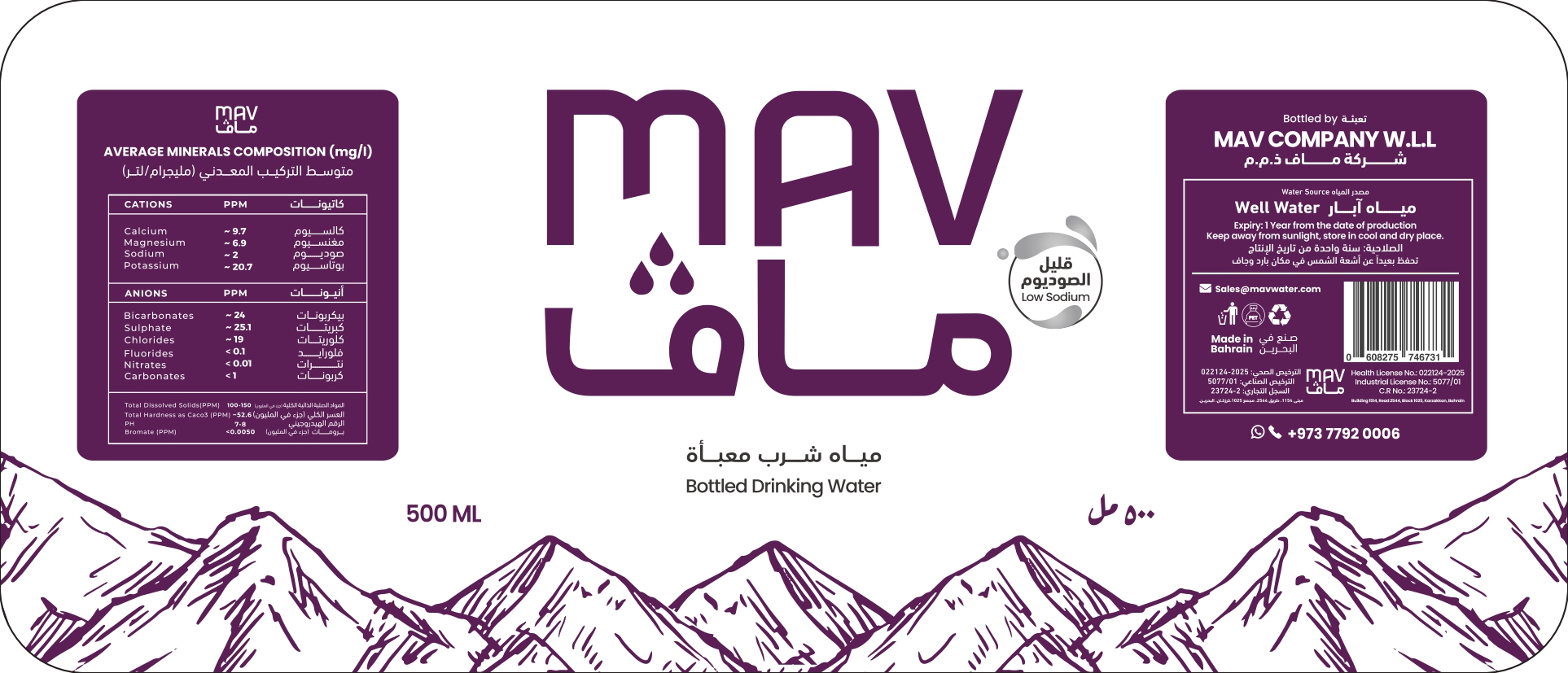
Example Artwork
- High-resolution design with proper CMYK color profile
- Vector-based graphics with clean typography
- Professional layout with appropriate bleeds
Acceptable Files
- Adobe Illustrator
- Adobe Photoshop
- EPS and PSD files (Mac or PC)
- High-resolution PDF and JPEG files
Formats
- Illustrator files are preferred to avoid extra charges.
- Photoshop is also acceptable.
- We cannot accept low resolution (72 dpi) files extracted from the internet.
- Line art images with multiple colors should be created using a vector-based drawing program.
Color
- Color must be converted to CMYK or PMS (no RGB).
- Pantone colors provide the best results.
- Gradients can be used, but our printing process does not allow for 0 percent fades.
- Gradient screens should be at the minimum of 3 percent.
- Do not create any traps, we will do it for you.
- Bleeds are 1/8".
Scanned Images
- Image scans must be at least 300 dpi and 100 percent (actual size).
- Do not change the resolution to 300 dpi without rescanning.
- Color scans must be in CMYK.
- Save as .tiff or .jpg files at maximum quality.
Typography
- Fonts must be provided on disk or outlined in Illustrator.
- Avoid using thin rules or typeface in reverse areas.
- 4 pt. minimum suggested for text.
- Rule no smaller than 1 pt.
Proofs
- Provide a color proof for 4-color process labels.
- Black and white proof for other labels.
- Exact color match cannot be guaranteed for 4-color process.
- Some variances in matching PMS spot colors.
Ready to Submit Your Artwork?
For questions or to submit your artwork, contact us: